 Cipher Wave PRO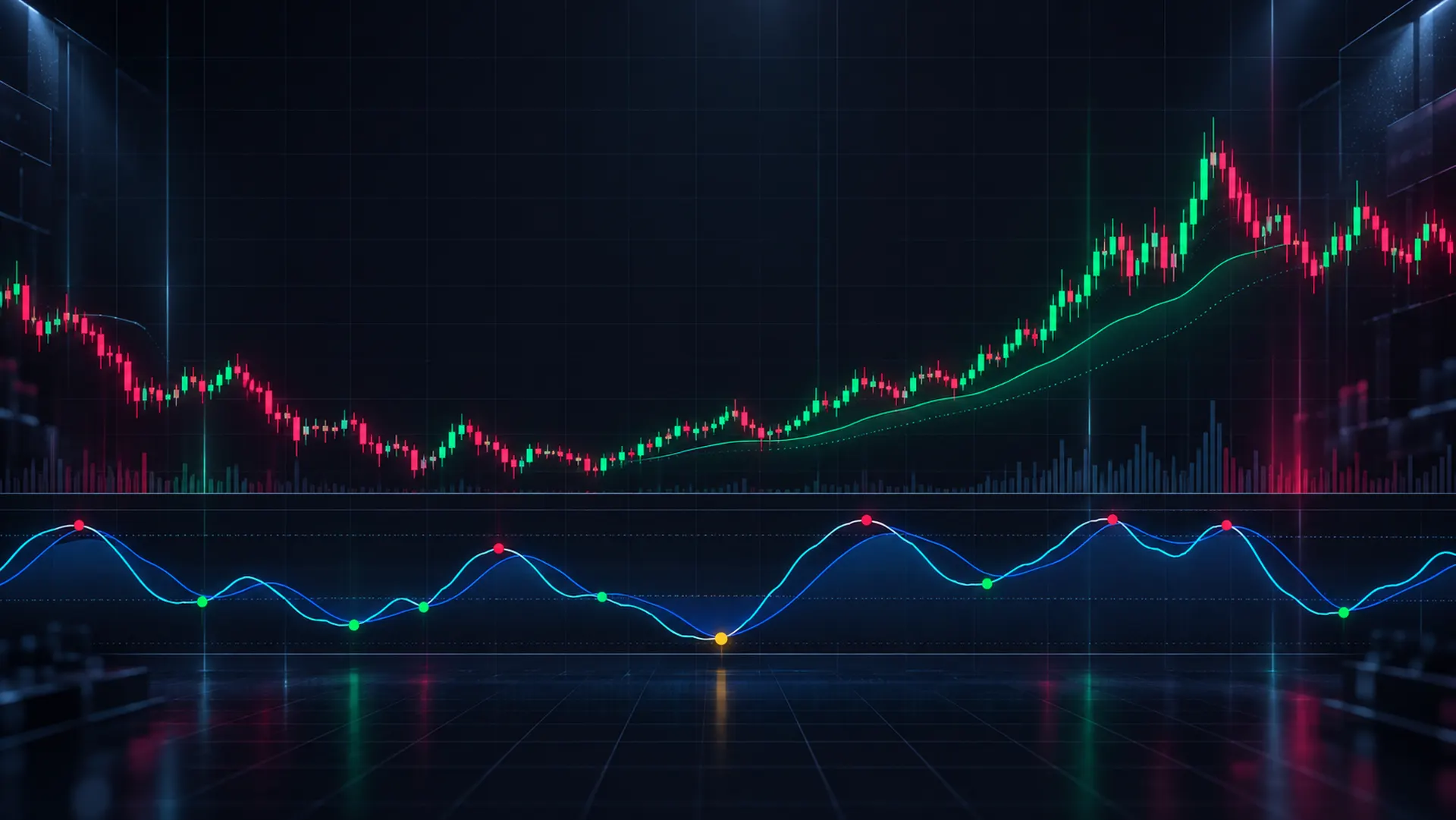
Cipher Wave PRO
Waves, money flow, divergences and trend in one indicator. The script from the Cipher Wave Live streams, built on the BTC chart, and it fits TradingView's free plan.
- One indicator slot
- Works on the free plan
- Signals on bar close
- Full Pine source
Everything I read on my chart, in one script
Two layers from one indicator: an oscillator pane under the price and trend tools on the price itself.
Lower pane Oscillator
- WavesWaveTrend fast and slow line with overbought and oversold zones, plus a VWAP wave for momentum.
- Money flowA green / red area from the candle bodies, volume-weighted by default, so you see who is in control.
- RSI and Stoch RSIOn the same 0 to 100 scale, in the same pane.
- Green and red dotsThe waves cross in the oversold (green) or overbought (red) zone, decided on the bar close.
- Divergence dotsPrice makes a new low or high but the waves do not: big dots in the pane and LONG div / SHORT div labels on price.
- Level filterDots near the previous day or week high / low or the major high / low stay bold and get marked on price, gold when a divergence backs them. Dots in the middle of nowhere fade out.
Price chart Trend
- Trend Flip trailAn ATR trailing line that flips LONG or SHORT only on a bar close beyond it, with a soft fill that never hides the candles.
- SFP markersFailed breaks of major daily and 4h highs and lows, shown while they are fresh.
- DashboardTrend on your timeframe, the weekly and the daily, last flip, distance to the 200-week MA and the all-time high.
- Cycle clock and 200 MAOptional Bitcoin cycle windows (halving, bear low, Fibonacci time) and a 200 SMA / EMA.
On the BTC chart
Three steps
Open the Pine Editor
On any TradingView chart, open the Pine Editor in the bottom panel and start a new indicator.
Paste the script
Replace everything in the editor with the Cipher Wave PRO source from your download page.
Save and add to chart
Click Save, then Add to chart. Adjust anything in the settings (gear icon).
Full guide: installation and settings.
Cipher Wave PRO
One-time purchase. Your download page opens right after checkout.
Secure checkout by Stripe.
- Full Pine Script v6 source code
- Works on TradingView's free plan, counts as one indicator
- Alerts: green / red dot at a level, bullish / bearish divergence
- Install guide and free updates of this version
- Personal-use licence (terms)
Questions
Do I need a paid TradingView plan?
No. You paste the source into the Pine Editor, which every plan has. On the free plan (two indicators per chart) Cipher Wave PRO uses one slot, because the price tools and the oscillator pane come from the same script.
Does it repaint?
Dots, flips and labels are decided on the bar close. While a bar is still open, a dot can appear or disappear until that bar closes. Divergences are confirmed two bars after the wave turns and do not move after that. Higher-timeframe values use closed bars only.
Which markets and timeframes?
It was built on the Bitcoin chart and works on any symbol and timeframe TradingView has; the money flow needs volume data, and the cycle clock is made for Bitcoin.
Does it tell me when to buy or sell?
No. It shows what the waves, money flow and trend are doing so you can read the chart faster. It does not predict price and no indicator can. Every decision and its risk stay yours.
Do I get updates?
Yes, updates of this version are free. When the script changes, you download the new source from your download page (bookmark it). Lost it? Email support@cipherwavepro.com with your receipt.
Can I get a refund?
It is a digital download of source code, so there are no refunds once the file has been downloaded, except where the law requires it. Questions before buying are welcome on the live stream.
See it on the live BTC chart
Live on YouTube
I stream my Bitcoin chart with this indicator and talk through what the waves and the trend are doing. Questions in chat are welcome.
Open the channel